
01
Pick an element
Choose pre-made templates or elements for the video you want to make.
01
Choose pre-made templates or elements for the video you want to make.
02
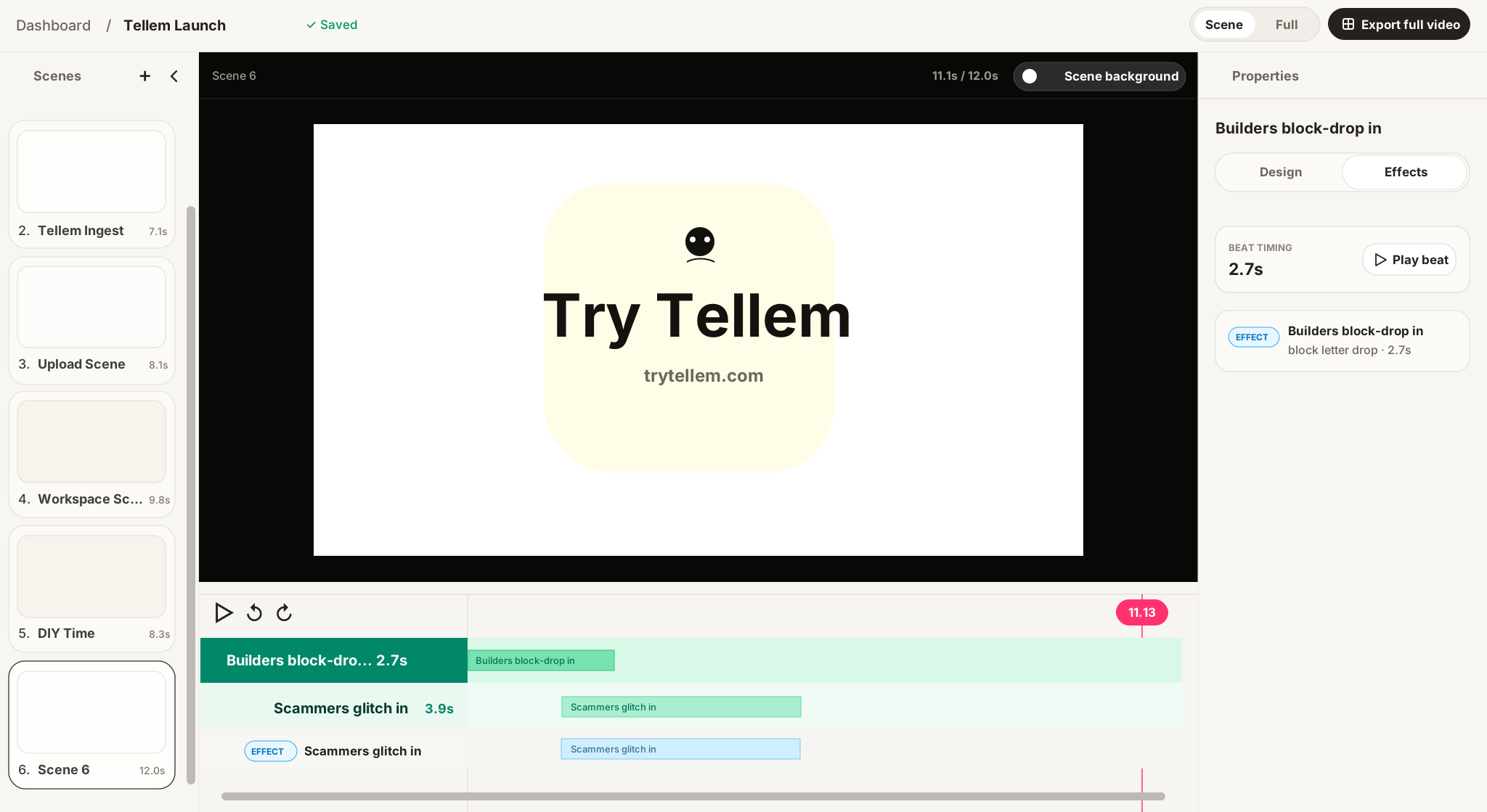
Add screenshots, demo clips, copy, brand assets, and animated widgets. Adjust the layout, timing, captions, and motion in the workspace.
03
Preview the full video, refine the pacing, and export a launch-ready motion graphics piece.

AI assistants
Template adaptation
Upload a pitch deck, screenshots, demo videos, or launch notes. Anthony studies your product and creates adapted templates made for your story.
Full video planning
William will plan the story, choose scenes, write the structure, and assemble a complete first draft from your product context.
Turn launches, feature drops, product polish, and tiny improvements into soundless motion updates people can actually watch. We practice what we preach. We build daily, push daily, and with Tellem we also announce daily.
See more updatesMay 29, 2026